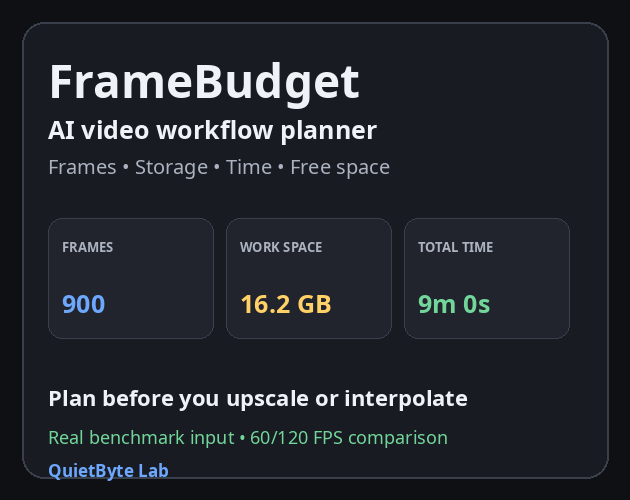
FrameBudget — AI Video Processing Planner
A downloadable tool for Windows
FrameBudget is a local planning tool for AI video workflows.
Before starting a long upscale or frame-interpolation job, it helps estimate:
- Source and target frame counts
- Number of generated frames
- Image-sequence storage
- Recommended working space with headroom
- Upscale processing time
- Frame interpolation time
- Total processing time
- Estimated final video size
- Whether your current free space is likely enough
It also includes:
- 60 / 120 FPS comparison
- Sample-image measurement for average frame size
- Real benchmark input to calculate your actual processing speed
- Copy results
- TXT export
Useful for workflows involving:
- AI video upscaling
- Real-ESRGAN and similar tools
- RIFE and other frame-interpolation tools
- PNG / JPG / WebP image sequences
- Long or storage-heavy video processing jobs
Privacy:
- Runs locally in your browser
- No file upload
- No external API
- Does not modify your source files
- No installation required
Recommended:
Google Chrome or Microsoft Edge
Note:
All results are estimates. Actual storage and processing time vary depending on compression, hardware, models, and workflow settings.
Want all four tools?
Get the complete QuietByte Video Workflow Pack:
https://quietbyte-lab.itch.io/video-workflow-pack
Includes:
- SeqRescue
- ClipAudit
- FrameBudget
- PairCheck
Bundle price: $6.99
Purchase
In order to download this tool you must purchase it at or above the minimum price of $2.99 USD. You will get access to the following files: